WP-ImmoMakler Tips&Tricks

Here you will find helpful tips on how to use WP-ImmoMakler on your website. You are also welcome to visit our documentation.

If you have any further questions, please contact our support team.

Uncategorized

Vielen Dank für Ihre Zeit! Sobald wir genug Rückmeldungen gesammelt haben, melden wir uns bei Ihnen per E-Mail mit weiteren Informationen.…
Demo image WP-ImmoMakler Show real estate references_list view
Tips & Tricks

Display reference objects

Display reference properties under a separate menu item and with their own URL. The data is automatically displayed in reduced form. The data to be displayed can be individually defined in the WP-ImmoMakler ChildSkin.

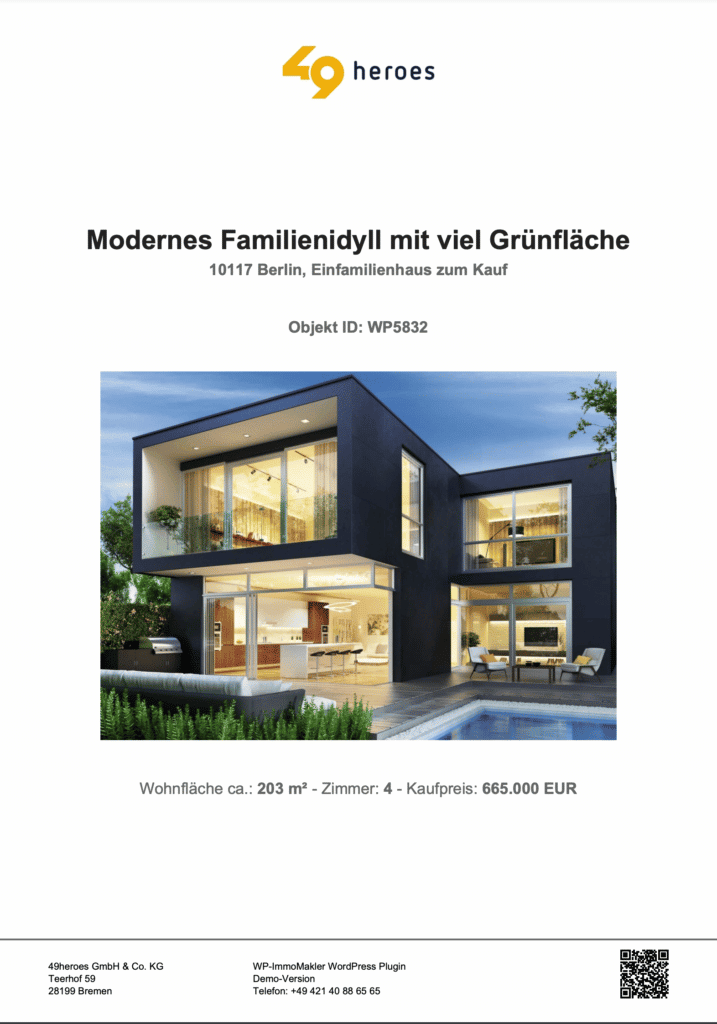
Demo image WP-ImmoMakler PDF-Exposee QR-Code
Tips & Tricks

New: PDF-Exposée

New PDF print version for real estate exposés incl. QR code | Customizable to your corporate design:
✓ Logo and header and footer graphics
✓ Customize font colors
✓ Adjust footer background color and color of the separator bar
✓ Customize information in the footer
✓ Activate or deactivate QR code with Exposé link

Tips & Tricks

Multilingualism

The multi-language package for WP-ImmoMakler allows you to translate the real estate data into the target language of your choice. Multilang package already includes English, Spanish and French. Translation of the front end

wp-immomakler-signet-600x600
Tips & Tricks

Tabular representation of residential units

For the marketing of complete construction projects | tabular presentation of residential units | ✓ List residential units of a project clearly in a table ✓ with price, availability, size, floor, optional floor plan, etc.

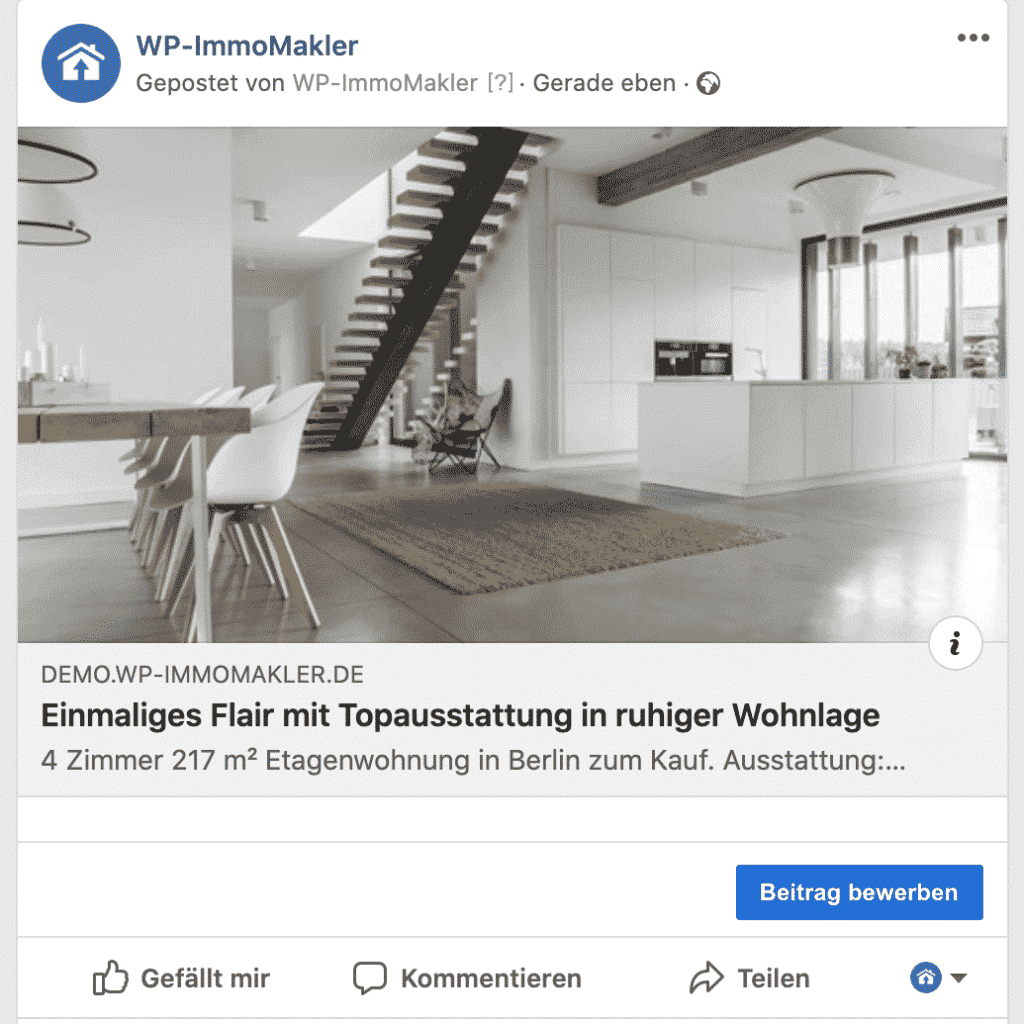
Demo image wp-immomakler-facebook-opengraph
Tips & Tricks

Automatic posting on Facebook and Twitter

An important part of your social media campaign is certainly the regular posting of your latest properties. To market them, to position yourself as an estate agent to owners, to show presence and to be remembered as an estate agent.